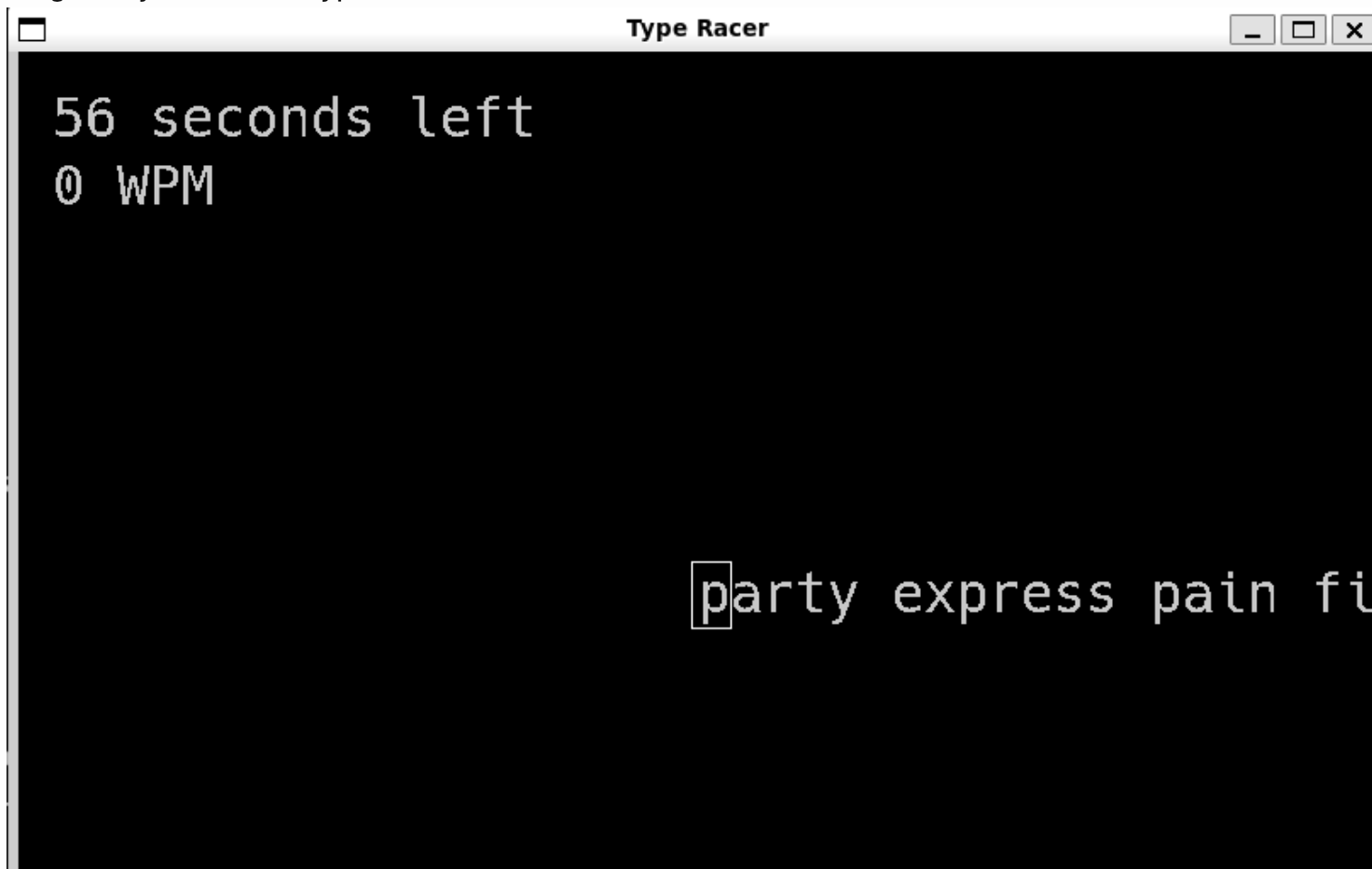
Type Race Application
Overview
Type-Race is a competitive, multiplayer typing application built entirely in Python using the pygame library. Designed to help users improve their typing speed and accuracy, the game challenges players to accurately type a dynamically scrolling prompt within a strict 60-second timeframe, either solo or head-to-head against another player over a local network.
My Role & The Tech Stack
- Role: Software Developer (Co-developed with a peer)
- Languages & Libraries: Python, Pygame, TCP Sockets, Threading
- Architecture: Model-View-Controller (MVC), Client-Server Model
- Skills: Asynchronous Networking, State Management, Input Validation
The Engineering Process
1. Software Architecture (MVC)
We wanted to keep the code scalable and clean so, we built the game using a strict Model-View-Controller (MVC) framework:
- The Model: This holds the core game logic, managing the text prompts, calculating the live Words Per Minute (WPM), and validating typed characters against the target string.
- The View: Renders the game state to the user interface at a high frame rate, dynamically rendering scrolling text, highlighting incorrect characters in red, and displaying live timer updates.
- The Controller: Captures and routes asynchronous keyboard inputs to the model without interrupting the visual rendering loop.
2. Real-Time Input & UI Feedback
The prompt scrolls as the user types, and the system instantly flags errors with a visual red underline.
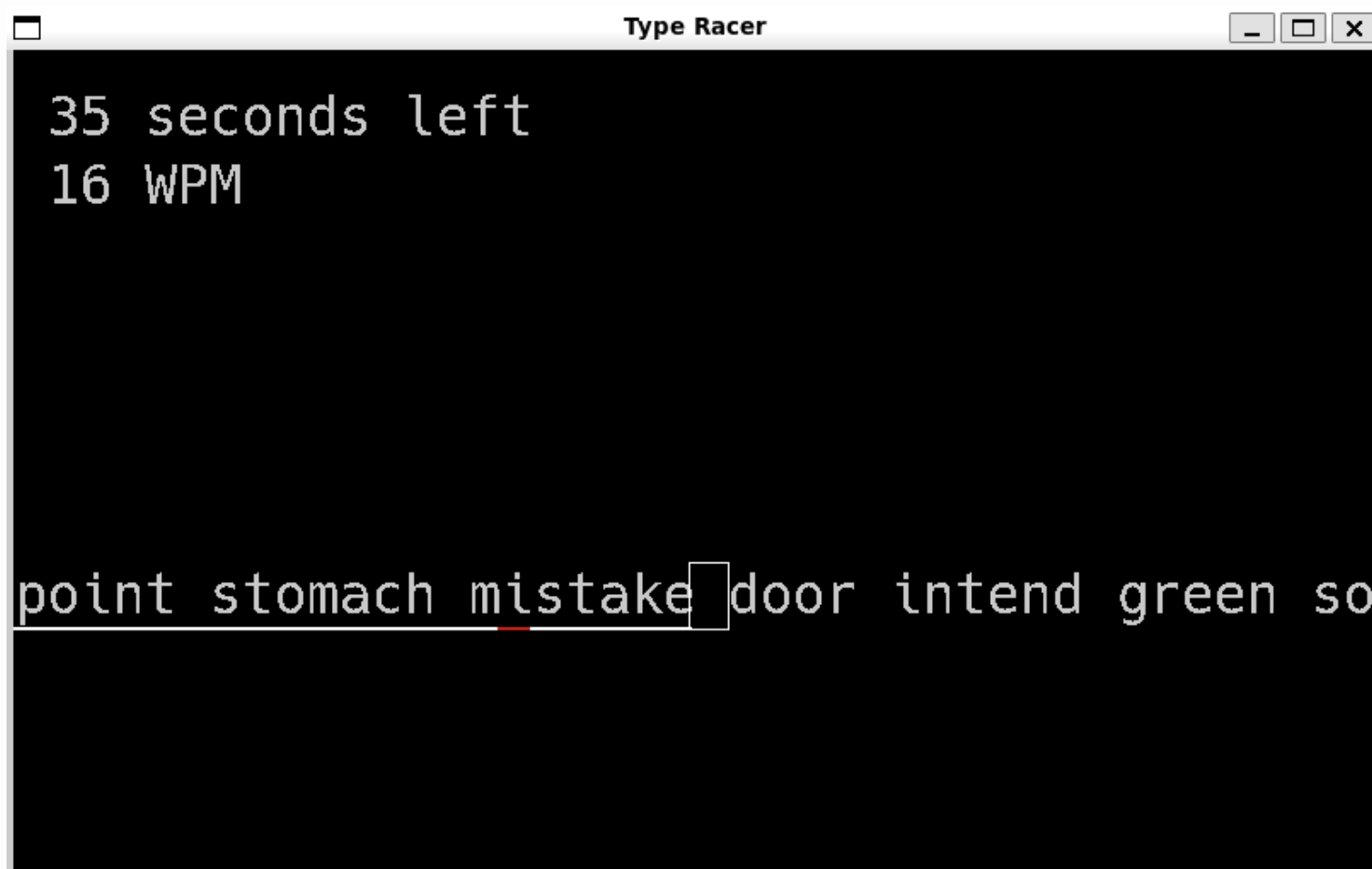 Caption: The primary user interface displaying the scrolling prompt, timer, and live WPM tracking.
3. Multiplayer TCP Socket Networking
The most complex engineering challenge was real-time competition between two separate machines over a local network. We implemented a Client-Server architecture utilizing TCP sockets:
- Connection Protocol: One instance initiates a server (Host) listening for incoming connections, while the second instance (Client) connects and signals a ready state.
- Asynchronous Threading: To prevent network latency from lagging or blocking the high-speed
pygamerendering loop, we used threading. The network communication runs asynchronously, transmitting only essential data (the player’s live WPM) to keep packet sizes incredibly small. - Resolution: At the 60-second mark, the models on both machines independently compare the final corrected WPMs to determine and display the winner.
Outcomes & Project Links
The project successfully demonstrated the ability to build a highly responsive desktop application with complex background networking. By isolating the game logic from the rendering and networking layers, the codebase remains clean and easily extensible for future features, such as online matchmaking or database-backed leaderboards.